Overview
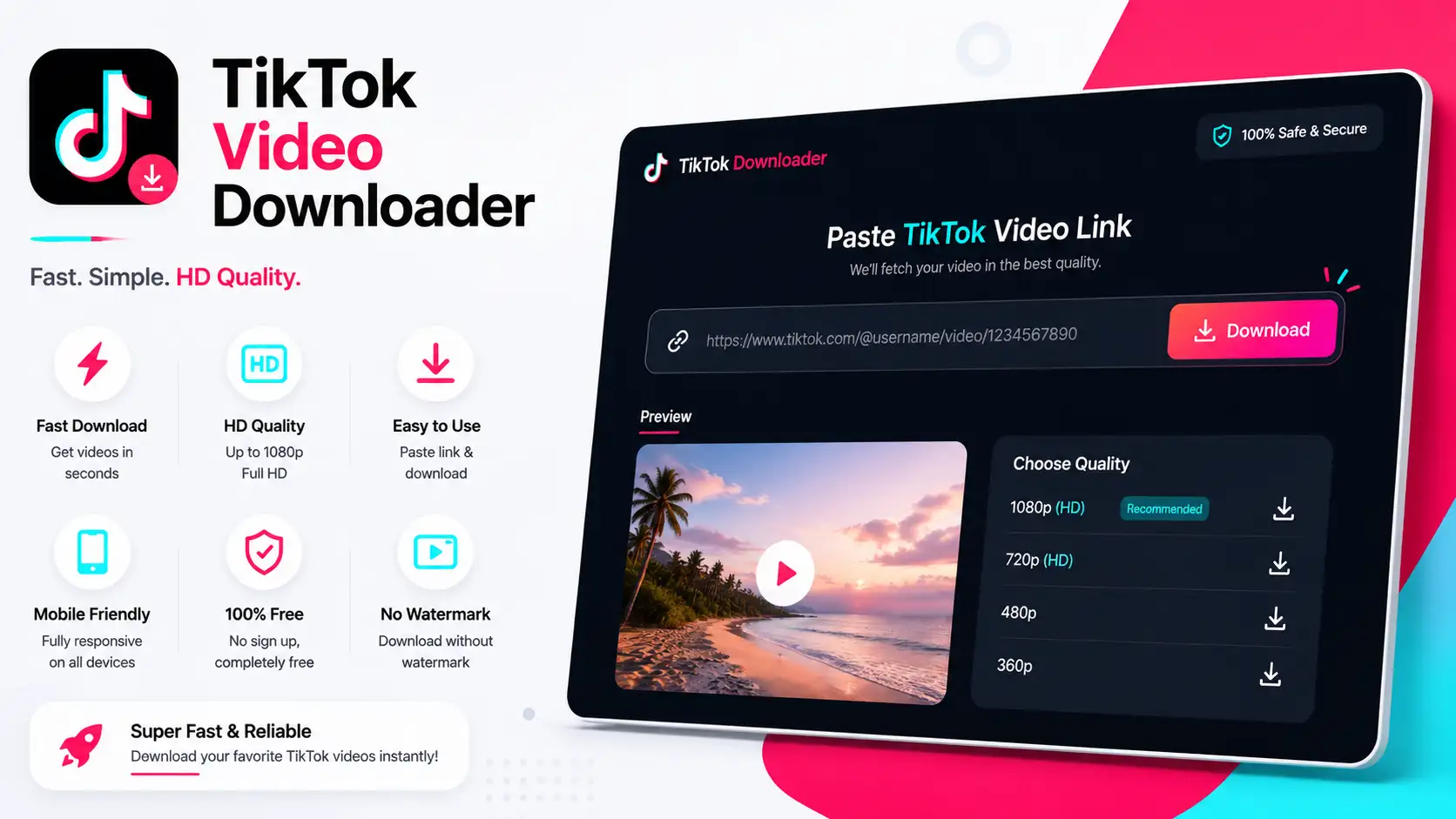
TikTok Video Downloader Kit is a lightweight, browser-based tool that lets you download TikTok videos instantly in just one click. Built with pure HTML5, CSS3, and vanilla JavaScript—no backend or database required—it delivers a sleek, responsive interface and smooth performance across all devices. Ideal for personal use, SaaS integration, or utility websites.
✨ Key Features
- ⚡ Fast Downloads: Paste any TikTok link and save videos instantly.
- Modern UI: Clean, responsive layout optimized for desktop, tablet, and mobile.
- No Server Needed: Runs entirely in the browser with zero backend setup.
- Lightweight Code: Pure HTML, CSS, and JavaScript for maximum compatibility.
- Responsive Design: Works flawlessly with mobile dark-mode layouts.
⚙️ How to Install
- Download or clone the project folder to your computer.
- Ensure
index.html, styles.css, and script.js are kept together in the same directory. - Open
index.html in any modern browser to launch TikTok Video Downloader Kit.
How to Use
- 1. Copy any TikTok video URL from your browser or app.
- 2. Paste the link into the input field and click “Download.”
- 3. Your video will be processed and saved directly to your device.
️ Support
- For any questions or bug reports, open a ticket via the CodeCanyon support page.
- Regular updates and feature improvements will be provided based on user feedback.
Requirements
HTML5, CSS3, Vanilla JavaScript
1. Introduction
The TikTok Video Downloader is a sleek, modern, and fully responsive web tool designed to help users download TikTok videos effortlessly. Built with a stunning neon glow theme inspired by TikTok's vibrant aesthetics, this tool is perfect for content creators, social media managers, and TikTok enthusiasts.
2. Features
- Easy to Use: Simply paste the TikTok video link, and the tool will fetch the video in seconds.
- Video Preview: Watch the video before downloading.
- Download Button: Download the video with a single click.
- No Watermark: Downloads TikTok videos without the watermark.
- Responsive Design: Works flawlessly on both desktop and mobile devices.
- Fast & Lightweight: Optimized for quick loading and smooth performance.
- Neon Glow Theme: Attractive design with neon glow effects.
3. Quick Start Guide
Step 1: Paste the TikTok Video Link
1. Open the TikTok app or website and copy the video link you want to download.
2. Paste the link into the input box on the TikTok Video Downloader tool.
Step 2: Check the URL
1. Click the "Check URL" button.
2. The tool will fetch the video and display a preview.
Step 3: Download the Video
1. Click the "Download Video" button.
2. The video will be downloaded to your device in MP4 format without the watermark.
4. Integration Guide
Step 1: Download the Code
1. Download the ZIP file containing the HTML, CSS, and JavaScript code.
2. Extract the files to your project directory.
Step 2: Include the Files
1. Add the following files to your project:
- index.html
- styles.css
- script.js
Step 3: Customize the Tool
1. Open the index.html file and customize the text, colors, or layout as needed.
2. If you want to use a different API, update the API URL in the script.js file.
Step 4: Deploy the Tool
1. Upload the files to your web server or hosting platform.
2. Access the tool via your domain or server URL.
5. Features Overview
| FeatureDescription |
| No Watermark | Downloads TikTok videos without the watermark. |
| Video Preview | Watch the video before downloading. |
| Responsive Design | Works seamlessly on desktop and mobile devices. |
| Fast Performance | Optimized for quick loading and smooth performance. |
| Neon Glow Theme | Attractive design with neon glow effects. |
6. FAQs
Q1: Does this tool remove the TikTok watermark?
Yes, this tool downloads TikTok videos without the watermark.
Q2: Can I use this tool on mobile devices?
Yes, the tool is fully responsive and works seamlessly on both desktop and mobile devices.
Q3: What video formats are supported?
The tool downloads videos in MP4 format.
Q4: Is the code customizable?
Yes, the code is clean, well-commented, and easy to customize.
7. Support
If you have any questions or need assistance, feel free to contact us:
- Email: info.xyrotech@gmail.com